 SocketFlip
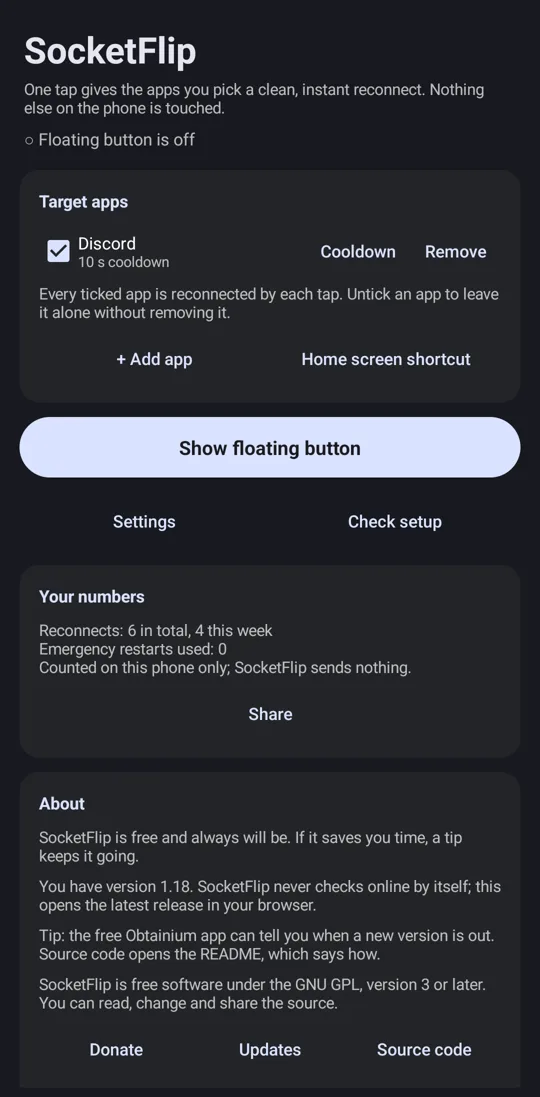
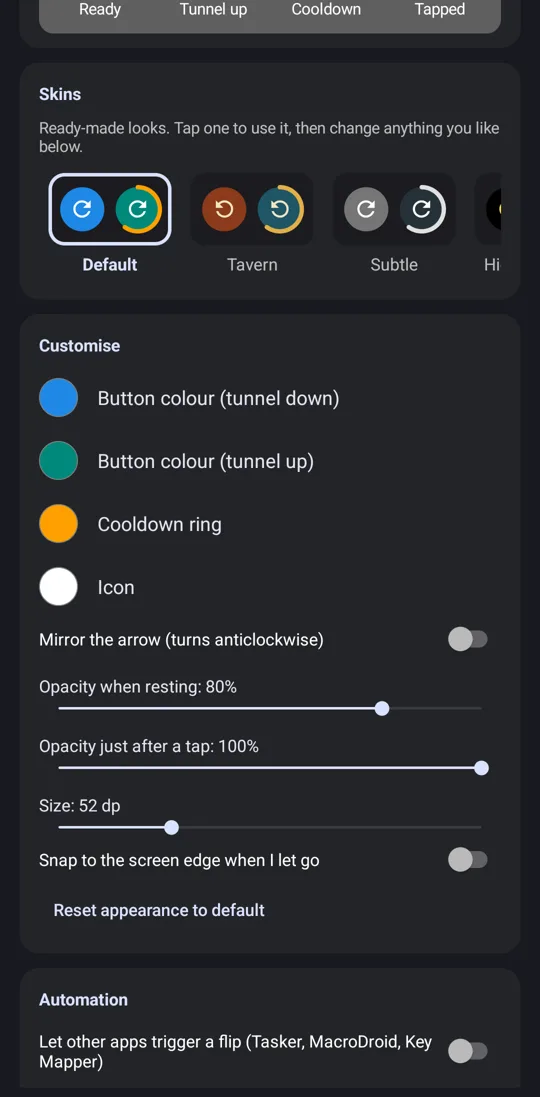
A floating button for Android that gives one chosen app a clean, instant reconnect. Nothing else on the phone is touched.
Download SocketFlip 1.16 (APK)How to install
Android 10 or newer. Under 150 KB. No internet permission. Not on the Play Store, here is why, and why that is fine.
What it does
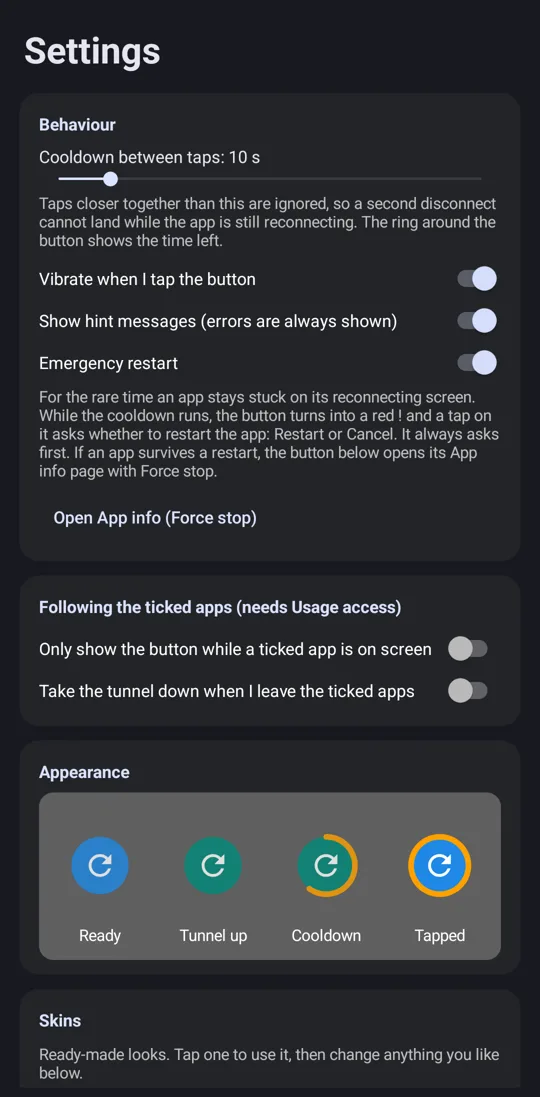
Tap the button and Android closes the open network connections of the app you picked. The app notices straight away and reconnects over your normal Wi-Fi or mobile data, usually within a second or two. No traffic ever passes through SocketFlip.
What people use it for
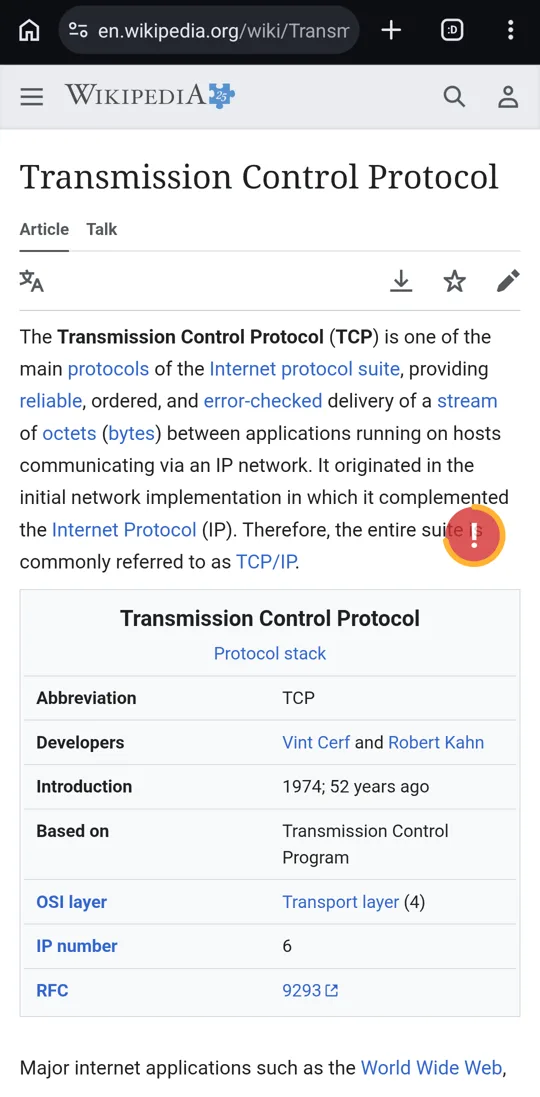
- Unsticking an app that sits on "Connecting..." or a stale feed after a Wi-Fi hand-off, a weak hotspot or a network change, without toggling Wi-Fi or airplane mode for the whole phone.
- Testing reconnect handling in your own app: one tap reproduces a clean server disconnect on a real device, as often as you like.
- Online games that settle a round on the server: a quick reconnect drops you straight into the next phase instead of waiting out a long animation. See Hearthstone Battlegrounds.
How it works, in one paragraph
Whenever a VPN covering an app starts or stops, Android closes that app's open connections. SocketFlip uses exactly that: a tiny VPN that covers only the apps you choose and routes one private address nothing uses. There is no server, nothing leaves the phone, and each tap is exactly one clean disconnect. It resets TCP connections; UDP traffic such as voice and video calls carries on. More on why it uses a VPN.
Facts at a glance
- Free, and always will be. Open source under GPL-3.0-or-later.
- No internet permission: it cannot send anything anywhere.
- No access to contacts, messages, photos, files, location, microphone, camera or accounts.
- Every reconnect is one tap by you. There is no automatic or timed mode.
- Updates: use Obtainium with
https://github.com/socketflip-app/socketflip.